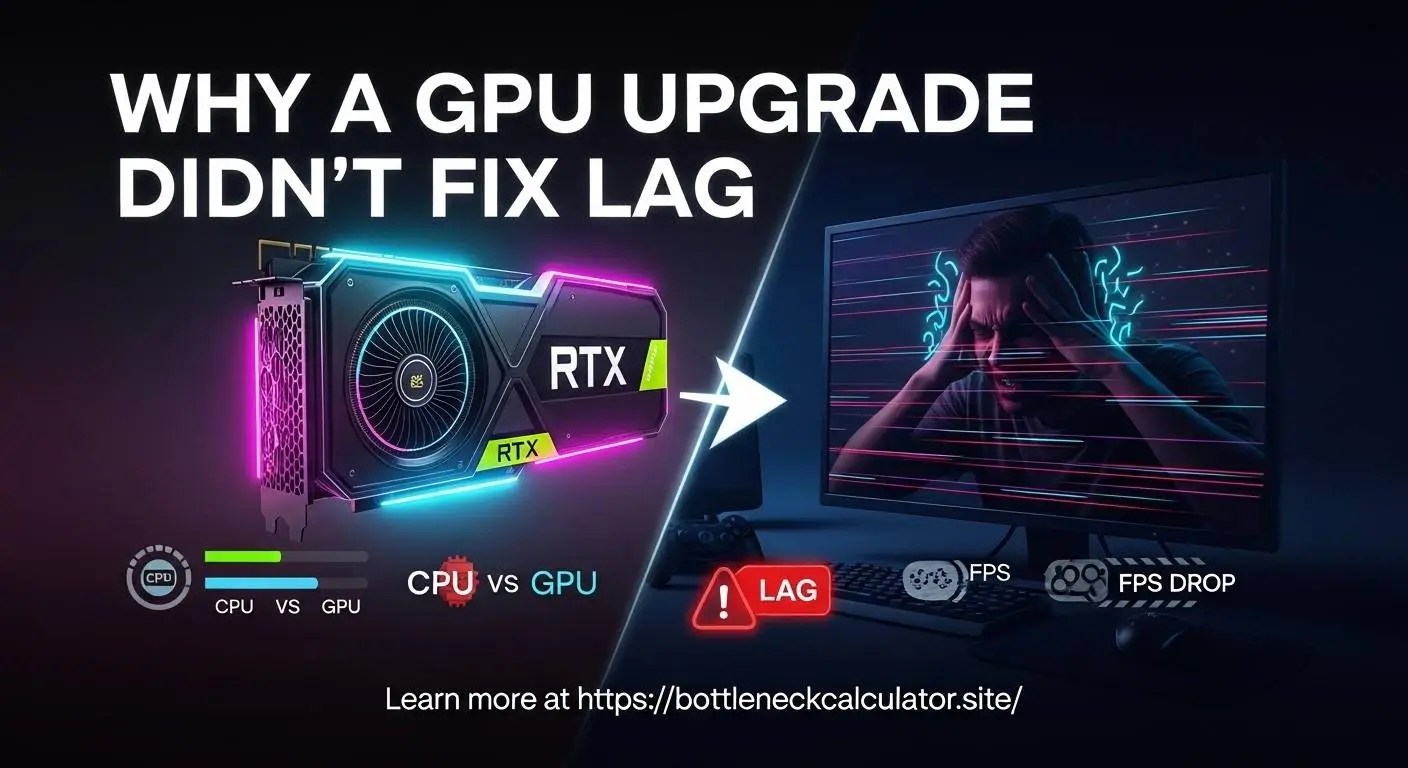
Why a New GPU Will Not make your PC any Faster (The True Cause of Lag).
It’s frustrating.
You set yourself to spend a little more on a better graphics card hoping to have a smoother gameplay and better performance, but the lag does not change much. Sometimes it even gets worse.
And in case this sounds familiar you are not alone. And no it does not imply that you have a bad GPU.
It normally indicates that the actual problem was anywhere in your system all along.
This guide will explain to you precisely why the upgrade did not aid in relation to fixing the performance, how to identify the actual bottleneck and what you can now do to achieve that performance boost which was much anticipated.
The PC Bottleneck That GPU Upgrades Can Never Fix.
One of the workloads is only partially done by a GPU.
When your processor, RAM or storage is not up to the task then the graphics card is idle as the rest of your system stutters.
It is this imbalance that becomes confused with bad performance after upgrade by players.
It is by experience that the largest offenders are:
- A CPU with a 100 percent load with the graphics card almost doing nothing.
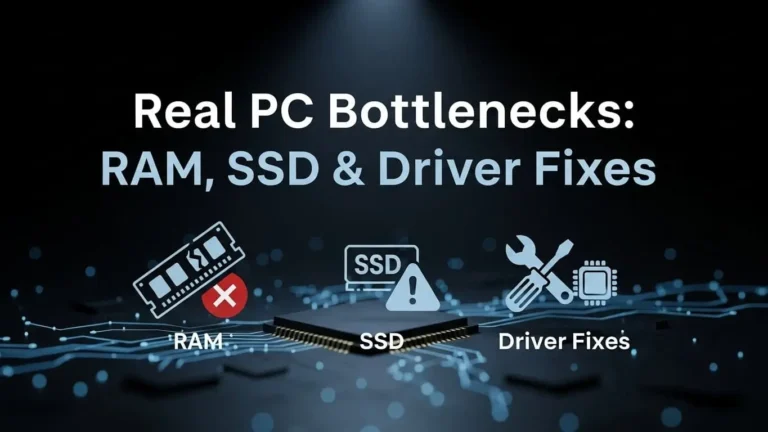
- Slow DDR3 or slow DDR4 memory.
- Third party applications consuming cores.
- Old SATA SSDs or even HDDs that would inception stutter in the game.
- When the temperatures run high, the CPU will thermal throttle.
In case any of these choke points occur, there is no advantage with updating the GPU. The bottleneck merely changes its location to another location within your system.
How to Tell If Your CPU Is Holding You Back
Most gamers overlook the processor when they troubleshoot lag, but it’s the first thing to check.
Here’s the rule of thumb professionals use:
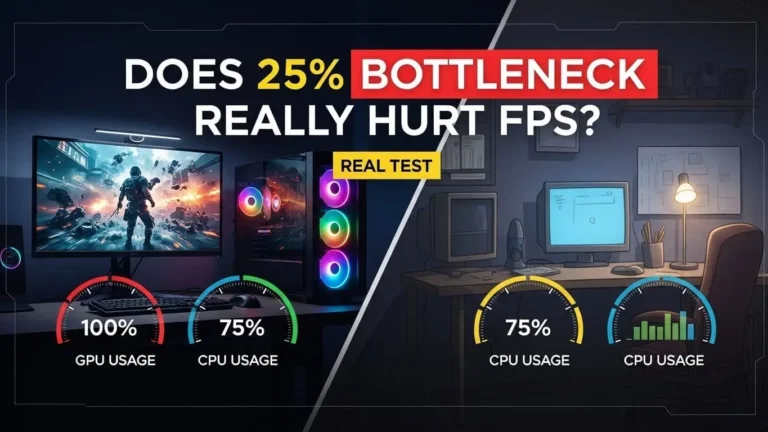
- If your CPU is at or near 100%, your GPU upgrade won’t help.
- If your GPU sits below 70% usage, the processor is choking it.
- If FPS drops happen in busy areas, you’re running into CPU limitations, not GPU problems.
You can spot this instantly by watching usage graphs in MSI Afterburner or the built-in overlay of your system.
Once you see the numbers, the cause becomes obvious.
The “Memory Problem” No One Talks About
I’ve seen countless systems with powerful GPUs and decent CPUs… ruined by slow or insufficient RAM.
Two common issues:
Low RAM (8GB or less)
Your system constantly swaps data to the drive, causing micro-stutters.
Mismatched or slow RAM
A GPU upgrade exposes weaknesses in RAM speed and latency.
Games load faster textures than the memory can deliver, creating delays that feel like inconsistent lag.
If your RAM is outdated, even a high-end GPU can’t save you.
Storage Speed Plays a Bigger Role Than Most People Think
Many players don’t realize how often games fetch assets mid-session.
When the drive is slow, you’ll feel sudden freezes or texture pop-ins — even with a monster GPU.
If you’re still on a hard drive or an older SATA SSD, that alone can explain why nothing improved after the GPU upgrade.
A simple NVMe SSD can transform how “smooth” your system feels.
How to Finally Fix the Lag
Here’s the practical approach I use when diagnosing clients’ PCs:
Step 1 — Run a quick bottleneck test
A bottleneck calculator instantly shows which component is limiting performance and by how much.
Step 2—Track real-time usage in game
- CPU over 95% = processor bottleneck
- GPU under 60–70% = processor or RAM issue
- RAM over 80% = memory bottleneck
- Disk spikes = storage bottleneck
Step 3—Check temperatures
High temps throttle CPU speed and cause sudden FPS drops.
Step 4—Close background drain
Browser tabs, RGB software, game launchers, and recorders can consume entire CPU threads.
Step 5—Upgrade the right component next
If the bottleneck isn’t your GPU, your next upgrade should target what’s genuinely limiting you — not what’s popular.
When a GPU Upgrade Does Make Sense
A stronger graphics card helps when:
- Your GPU usage is constantly maxed
- Your CPU still has headroom
- You game at higher resolutions (1440p, 4K)
- You want better visual settings and smoother frames
A GPU upgrade is powerful… but only when the rest of your system can keep up.
Conclusion—You’re Not Stuck With Lag
If your new GPU didn’t fix the problem, that doesn’t mean the upgrade was pointless.
It just means you’ve uncovered the real performance issue—and now you know exactly how to solve it.
Use a bottleneck calculator, check your usage numbers, and fix the component that truly limits your system.
Once everything works in balance, your PC will finally feel as fast as you expected.