
These CPU and GPU percentages become important when your games lag, your system feels slow, or your frame rate abruptly decreases. However, the majority misinterpret them. High usage isn’t always an issue. Yet low utilization does not always indicate that everything is alright. You can immediately see where performance is being hindered and what needs to be changed if you grasp what those metrics are actually telling you.
In order to help you read your hardware like an expert and make better setup decisions, this article breaks it down in an easy-to-understand, useful manner.
Why Your Usage Numbers Matter
Your CPU and GPU work together to deliver smooth performance, but they don’t carry the load equally. Sometimes the GPU is the one gasping for air; other times it’s the CPU creating a traffic jam. When you can spot who’s slowing the system down, troubleshooting becomes ten times easier.
When High CPU Usage Is Normal—And When It Isn’t
A CPU hitting 80–100% isn’t automatically bad. In many games, especially fast-paced or open-world titles, the CPU simply has a lot to juggle: physics, AI, background tasks, world streaming.
The red flag appears when:
- Your CPU is maxed, but your GPU usage is low
- Frame rates feel inconsistent
- The game doesn’t respond smoothly despite your GPU having headroom
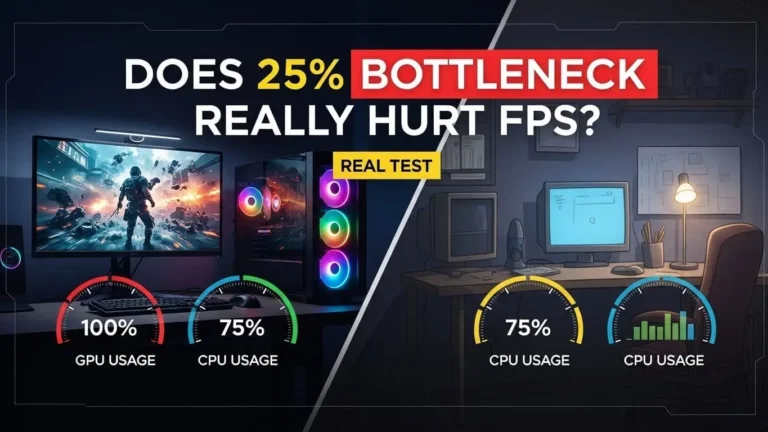
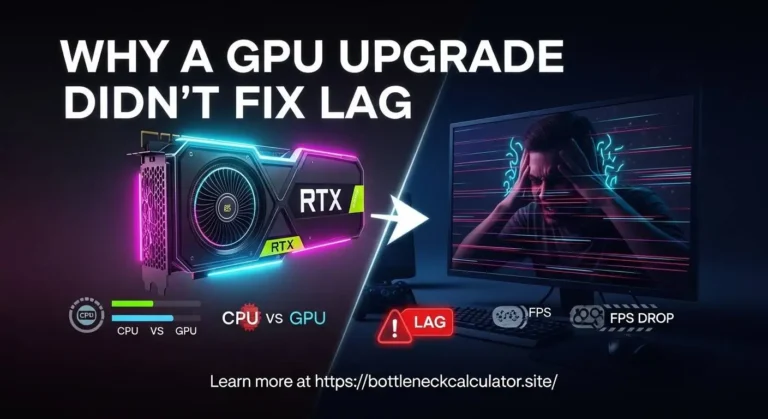
This usually means your CPU is the bottleneck. It can’t feed the GPU fast enough, so the GPU sits idle waiting for instructions.
What helps: lowering CPU-heavy settings (shadows, draw distance), closing background apps, or pairing the GPU with a stronger processor.
High GPU Usage Is Actually a Good Sign
A GPU sitting around 95–100% is typically doing exactly what it’s meant to do: push visuals as hard as it can. As long as frame rates are stable and temperatures are healthy, high usage simply means you’re using the card fully instead of leaving performance on the table.
Problems show up when:
- GPU usage spikes cause sudden stutters
- Temperatures climb too high
- The GPU hits 100% but the game still feels slow
That usually points toward a graphics setting that’s too demanding for your card or a thermal issue limiting performance.
Low CPU & GPU Usage Usually Means a Deeper Issue
This is the scenario many people overlook. If both CPU and GPU usage are low while performance is bad, something else is interfering—often background software, driver problems, RAM limitations, or a misconfigured system.
A healthy, balanced system will always have one component working harder than the other, but never both cruising at low usage during heavy workloads.
How to Read Your Own System Like an Expert
Try this simple approach while playing a game:
- Watch usage for both CPU and GPU.
- Identify which one hits high usage first.
- Pair performance symptoms with the usage numbers.
- Adjust settings based on which component is struggling.
Once you get comfortable interpreting those percentages, optimizing becomes quick and almost instinctive.
Final Takeaway
It’s not just hobbyists that need to understand CPU and GPU use. It’s among the quickest techniques to identify performance problems and maximize hardware performance. You’ll make better upgrade choices, adjust your settings more skillfully, and completely avoid guesswork when you can confidently interpret those figures.